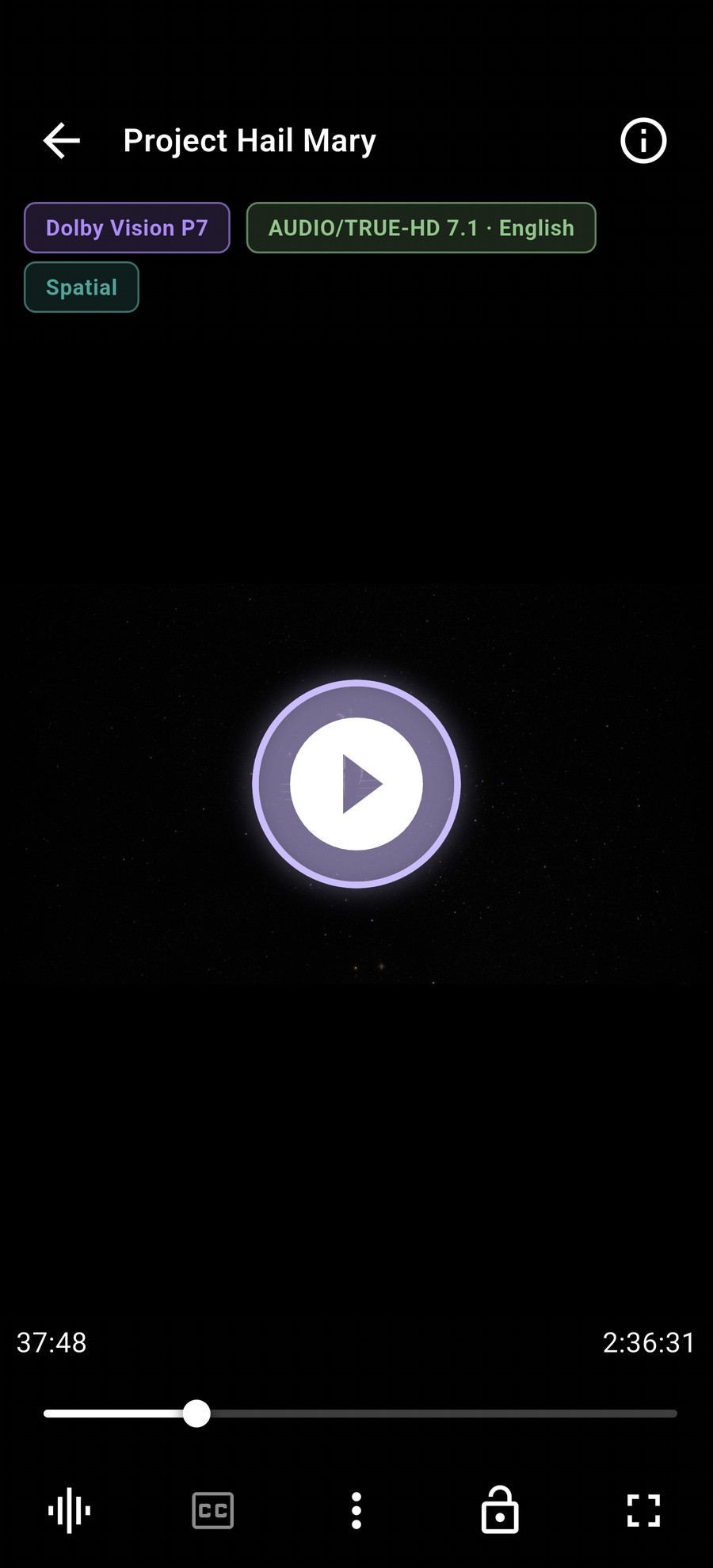
Does it really do true Dolby Vision, or tone-map it?
On Android, playback runs through Media3 into a hardware surface, so Dolby
Vision and HDR10 signals are handed to the display rather than converted to
SDR in software. On iOS, playback uses the native AVPlayer path for the same
reason. On a panel without Dolby Vision, P7/P8 profiles play as HDR10 HEVC —
which is what those base layers are — instead of failing.
Do I need a separate SMB app on iPhone or iPad?
No. DreamPlayer speaks SMB itself on every platform, so your NAS is browsable and playable without installing anything else.
Can it play Netflix, Prime Video or other streaming services?
No, and that is intentional. Those streams are DRM-protected and DreamPlayer
does not implement Widevine or FairPlay. It plays files you own or have rights to.
Which subtitles are supported?
Embedded tracks in the file, plus every subtitle sitting next to it — SRT,
ASS/SSA, WebVTT, TTML, SAMI, MicroDVD, MPL2, SubViewer, PGS and DVB bitmap
ones. Sidecars are matched to the video automatically, and OpenSubtitles
search is built in for when they are not.
Does it work on a TV?
Yes — Android TV is supported, including Fire TV Stick 4K, with full
Dolby Vision and audio passthrough to the panel and soundbar. The app is the
same build as the phone.
Is there any account or tracking?
No. There is no sign-in, no analytics and no advertising SDK. Your library, history and metadata stay on your device.
Why is it free on Android but paid on iOS?
Android builds are published on GitHub Releases and cost nothing. On iOS,
Apple requires in-app purchase for anything unlocked inside the app, so the
optional features are sold there. The Android build is never gated.
Is it open source?
Yes, GPLv3. The source is on GitHub, and issues and pull requests are welcome —
including the ones that turn out to be hardware quirks nobody else has hit yet.
 DreamPlayer